Account & Login
Your account is your MTA nickname: the name you connect with is the name you register, and every later connection with that name asks for its password. A nickname is 1 to 22 characters long, letters, digits and punctuation only.
First join
- Language. A window lists the ten languages of the interface. Pick yours and press Continue (double-clicking or
Enterworks too). The choice is saved on the account once you are in; change it later with/lang. - Register. The dialog Register For A New Account asks for a password of 4 to 32 characters. Accept creates the account and logs you in. Leave disconnects you.
- Email. Type a valid email address you can open right away: the server mails a 6-digit code to it, and you cannot play until you type that code in the next dialog (see Email confirmation).
- Welcome. New accounts read the welcome text. Its only button counts down from 10 before it reads Accept; closing it earlier just brings it back.
/welcomeshows it again any time. - Your first character spawns; see Death for what a new character starts with.
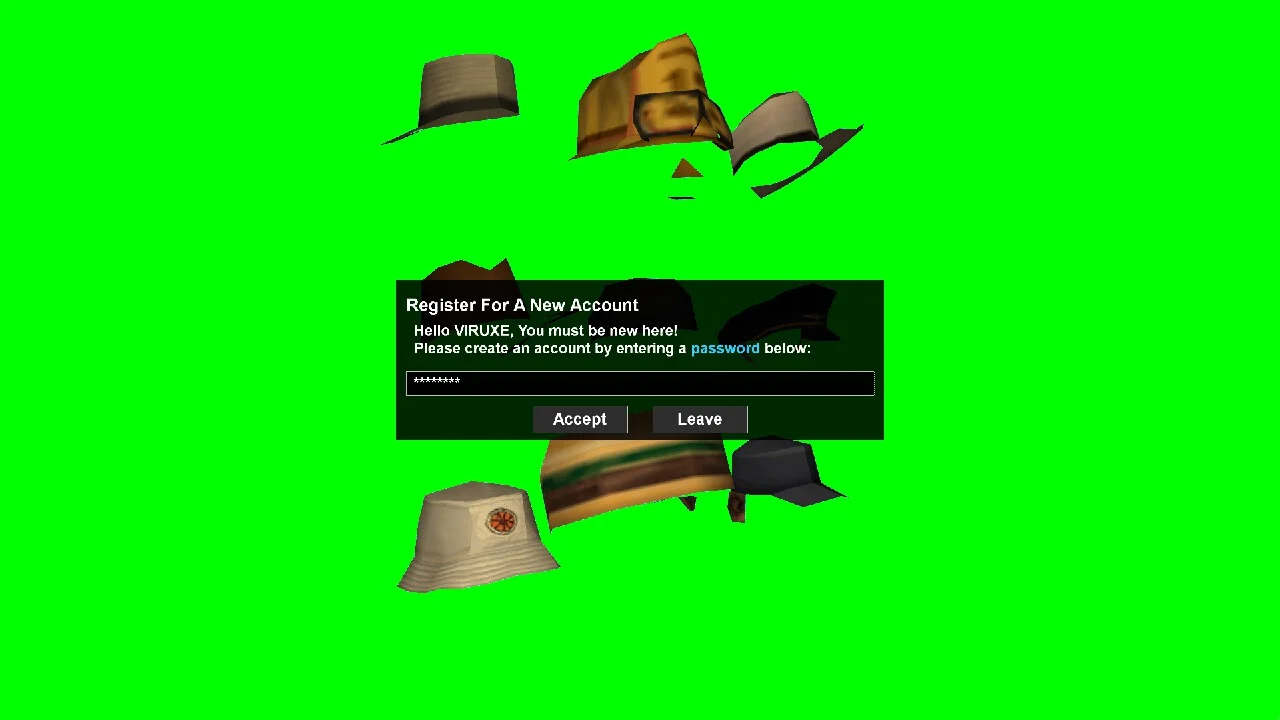
Logging in
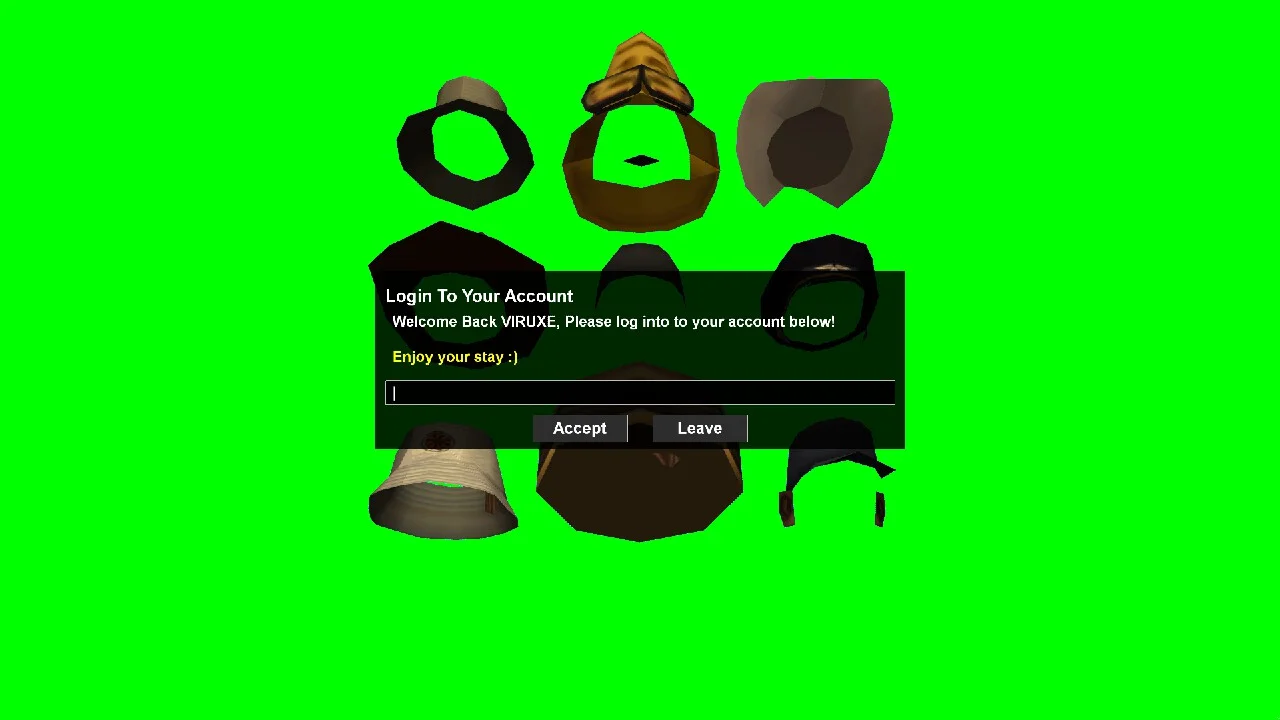
Every later join shows Login To Your Account. Type the password and press Accept (or Enter); Leave (or Escape) disconnects you.
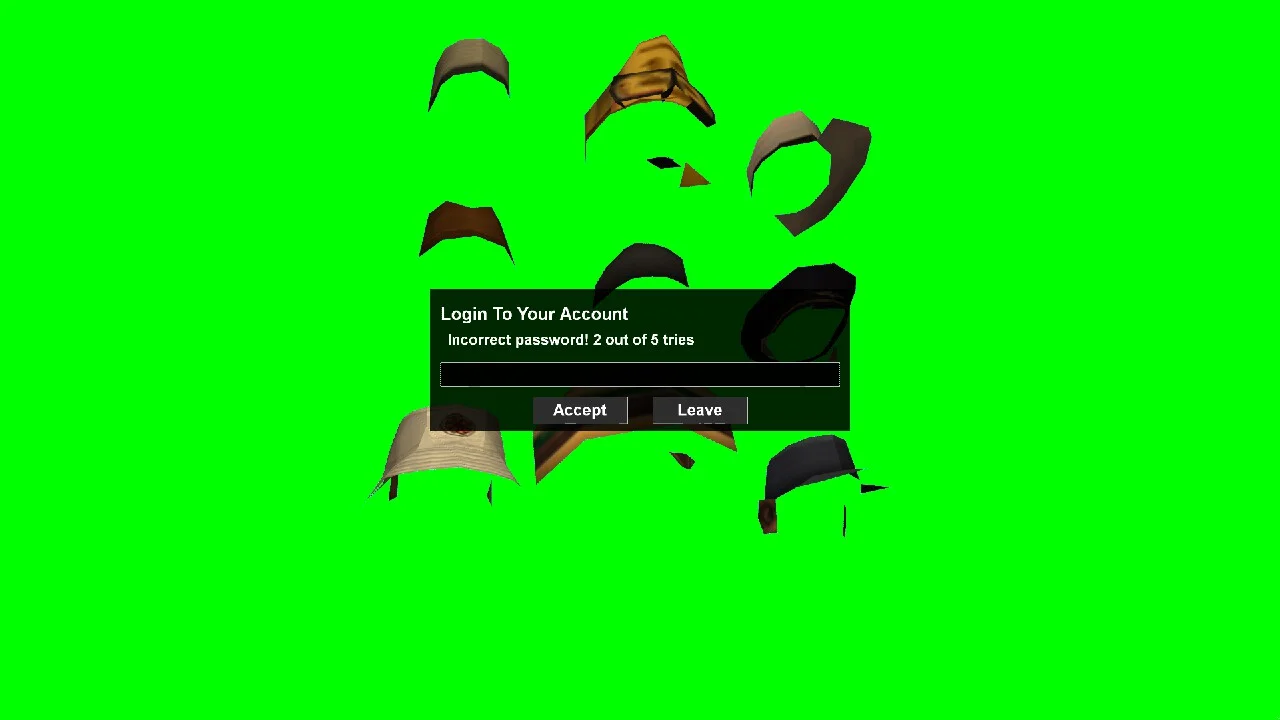
A wrong password, or one shorter than 4 characters, counts as a try: Incorrect password! N out of 5 tries. The fifth wrong try disconnects you, and the tries are counted per computer for 10 minutes, so reconnecting does not reset them.
Only one session per account: a second client connecting with your name is refused (Account already online). A deactivated account is refused with Account inactive; ask the staff.
The server can turn on automatic login for players returning from the same address and computer as their last login; it is off by default, so expect the password dialog.
Once you are in, your character loads where you left it, with its stats and inventory; after a death a new one is created.
Email confirmation
Every account needs a confirmed email address before it may play, staff included. Accounts made before this existed are asked for one at their next login (also when the server logs you in automatically).
- Confirm your email asks for the address. A malformed one (it has to look like
[email protected], no spaces) is refused with the reason, and one address can confirm at most 3 accounts. - Enter your confirmation code then waits for the 6-digit code from the mail Your Scavenge & Survive confirmation code: …. Check the spam folder too; it can take a minute.
- In the code box you can also type a different address (a typo the first time), or leave it empty and press Accept to get a new code, once a minute.
- A code is valid for 15 minutes and allows 5 wrong tries; after that a new one is mailed. One connection gets at most 5 mails: past that you are disconnected and can rejoin later. An address you typed but never confirmed is remembered, so the next login mails a new code straight to it.
- Leave on either dialog disconnects you (Left without confirming email).
Commands
/changepass <old> <new> changes your password (the new one must be 4 to 32 characters; a wrong old password is refused), /lang <code> sets your language (en, es, fr, pt, ptbr, ru, ro, id, bhs or cs; lines not translated yet show in English), /tooltips turns the help tips on or off and /welcome shows the welcome text again. All four are saved on your account; see Commands.
Bans
When you connect, the server checks your name, your address and your computer against the ban list. A match shows three lines, You are banned (since <date> by <staff>)., Reason: ... and Unban: <date> or Never, and disconnects you a second later. See Reports & Bans for appeals.
Whitelist
The server normally lets everyone in. When the staff turn the whitelist on, only listed names and staff accounts may play:
- logging in while it is on and you are not listed prints Whitelist active. and You are not in the whitelist. and disconnects you;
- if it turns on while you are playing, a countdown appears at the top of the screen, Not whitelisted / Time remaining mm:ss, and you are disconnected when it reaches zero (5 minutes by default). Being added to the list in the meantime stops it.
See also Getting Started, Death and Commands.